
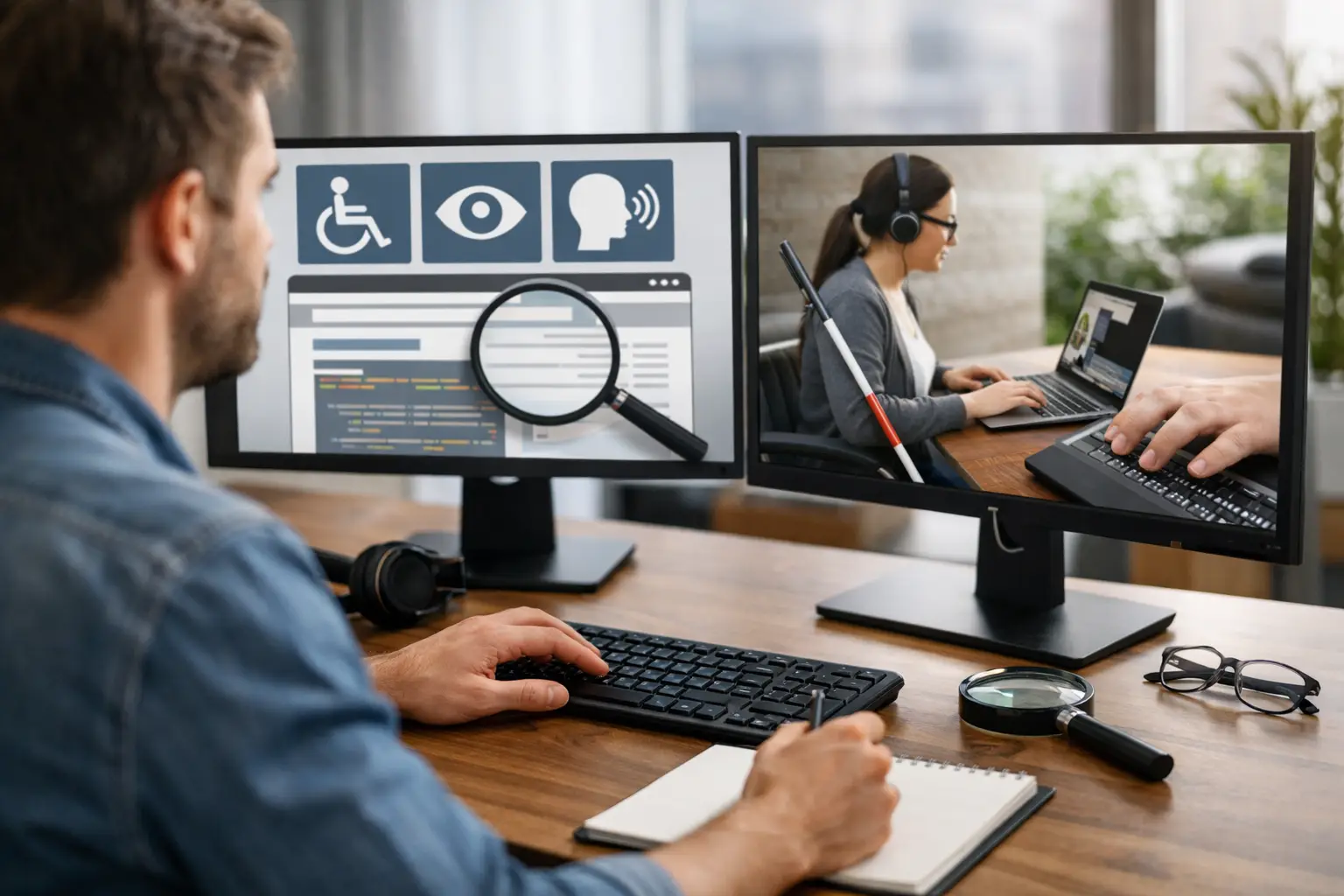
What a Web Accessibility Auditor Does
If your website looks polished but a customer still cannot book an appointment, complete a checkout, or read key content with assistive technology, you have a business problem – not just a technical one. A web accessibility auditor helps uncover those barriers before they cost you leads, sales, trust, or expose your business to compliance risk.
For small to mid-sized businesses, accessibility often gets pushed behind design, SEO, speed, and launch deadlines. That is understandable, but it is also expensive. The same issues that frustrate users with disabilities often hurt the experience for everyone else too: confusing forms, weak color contrast, missing labels, poor keyboard navigation, unclear page structure, and videos without captions. Accessibility is not a side task. It affects usability, search visibility, and conversion performance.
What a web accessibility auditor actually evaluates
A web accessibility auditor reviews your website against recognized accessibility standards, usually WCAG 2.1 AA, and identifies where real users may hit roadblocks. That includes people using screen readers, keyboard-only navigation, voice input, screen magnifiers, and other assistive tools.
The work is broader than running a scanner and exporting a list of errors. Automated tools are useful, but they only catch part of the picture. A proper audit also includes manual testing. That means checking whether menus can be used without a mouse, whether form fields have meaningful labels, whether headings follow a logical structure, whether error messages make sense, and whether important actions are actually possible for different users.
This is where many businesses get tripped up. They assume accessibility is mostly about color contrast or adding alt text to images. Those matter, but they are not the whole job. An auditor is looking at the full customer journey – from landing on a page to taking action.
Why businesses hire a web accessibility auditor
Most companies do not start thinking about accessibility because they love compliance documents. They start because something is already at stake. Sometimes it is legal exposure. Sometimes it is a stalled redesign. Sometimes it is a major client, school, church, or public-facing organization that expects better digital access. Often, it is simply the realization that the website should work for more people than it currently does.
There is also a practical growth reason to act. An accessible site is usually easier to navigate, easier to understand, and easier to complete tasks on. That tends to support stronger engagement and better conversion rates. Clean heading structure can improve content clarity. Better form labeling reduces friction. Clear focus states help users move through the site with confidence. Captioned media serves people in noisy or quiet environments, not just users with hearing loss.
That does not mean every accessibility improvement produces an instant revenue spike. Some fixes are directly tied to conversion. Others are about reducing risk, improving brand credibility, and making sure your digital presence reflects how you want customers to experience your business. It depends on the site, the audience, and how severe the barriers are today.
What the audit process should look like
A credible accessibility audit usually starts with scope. The auditor needs to understand which templates, page types, tools, and key user flows matter most. A five-page brochure site is different from a WooCommerce store, a membership platform, or a lead-generation site with custom integrations.
Next comes automated testing, but that is just one layer. Good auditors use tools to flag obvious problems efficiently, then move into manual review. They test navigation with a keyboard, inspect code patterns, review semantic structure, and check how the experience performs with assistive technologies. They also look for repeatable issues across templates so the final report is useful for developers, content teams, and stakeholders.
The output should be more than a spreadsheet of failures. You want a prioritized report that explains the issue, where it appears, why it matters, and how to fix it. Severity matters here. A missing decorative alt attribute is not the same as a checkout form that cannot be completed by keyboard users. If everything is labeled urgent, nothing is.
Some audits also include remediation guidance or support during implementation. That is often where the real value shows up. Finding issues is one thing. Fixing them efficiently without breaking performance, design, or functionality is another.
What a strong accessibility report includes
A useful report speaks to both business owners and technical teams. It should translate accessibility issues into plain language without losing accuracy.
That usually means mapping findings to WCAG criteria, but also explaining the customer impact. For example, instead of only saying a button fails a standard, the report should make clear that a keyboard user may not be able to reach it, a screen reader user may not understand its purpose, or a low-vision user may not see its focus state.
The best reports also separate systemic issues from one-off problems. If every product page uses the same inaccessible component, that should be treated differently than a single image missing alternative text. Fixing patterns at the system level saves time and improves consistency.
Business owners should also expect prioritization tied to effort and impact. Some accessibility fixes are relatively straightforward and can be handled quickly. Others require design changes, code refactoring, or content governance. A good auditor helps you see that roadmap clearly instead of handing you an overwhelming list.
Automated tools are helpful, but they are not enough
This is one of the biggest misconceptions around accessibility. Businesses install a plugin, run a scan, or buy a widget and assume the problem is solved. It is not.
Automated tools can catch missing form labels, contrast failures, empty links, and certain code issues. That is valuable. But they cannot reliably judge whether alternative text is meaningful, whether link text is clear in context, whether a modal traps keyboard focus correctly, or whether page instructions make sense to a screen reader user.
Widgets come with even more trade-offs. Some offer user controls that may help in limited cases, but they do not fix underlying code or content problems. In some situations, they can create extra friction instead of reducing it. If your goal is real accessibility and not just the appearance of effort, auditing and remediation matter more than overlays.
When to bring in a web accessibility auditor
The best time is before accessibility issues are baked into a redesign, a development sprint, or a content migration. Catching problems early is usually cheaper than fixing them after launch.
That said, many companies bring in an auditor after launch, and that still has value. If your site is already live, an audit can help you prioritize the highest-risk barriers and build a practical remediation plan. That is especially useful if your website supports online sales, appointment scheduling, applications, donations, or other key transactions.
It also makes sense to audit when adding new features. Booking systems, filters, pop-ups, quizzes, chat tools, and embedded third-party software often introduce accessibility issues. Even a well-built site can lose ground when new functionality is layered in without review.
How accessibility supports performance and growth
Accessibility is often treated like a separate track from UX, SEO, and conversion optimization. In reality, they overlap more than most teams expect.
Clear structure helps users and search engines understand content. Better labels and instructions improve form completion. Strong keyboard support creates smoother navigation. Logical headings make long pages easier to scan. Faster, cleaner front-end implementation often supports accessibility too, especially when bloated scripts and visual shortcuts are replaced with better code.
There are trade-offs, of course. Not every visual interaction translates neatly into an accessible experience on the first try. Some designs need to be adjusted. Some custom features need a more thoughtful build. But those are usually signs of better product decisions, not compromises that weaken the site.
For businesses that care about credibility, accessibility also sends a signal. It says your company is serious about serving more people well. That matters for customers, partners, and organizations evaluating who they trust online.
Choosing the right accessibility partner
If you are hiring a web accessibility auditor, look for someone who can connect technical findings to business outcomes. You do not need vague language or a generic compliance checklist. You need clarity on where the barriers are, how serious they are, and what it will take to fix them.
Ask whether the audit includes manual testing, whether findings are mapped to WCAG 2.1 AA, and whether remediation support is available. Ask how they prioritize issues. Ask how they handle templates, third-party tools, and ecommerce flows. If the answers are shallow, the audit probably will be too.
A strong partner will help you improve accessibility in a way that also strengthens usability, trust, and site performance. That is the standard businesses should expect.
The real value of accessibility work is simple: more people can use your website the way you intended. When that happens, your site does a better job of representing your business, supporting your customers, and driving the results it was built to deliver.